Booties - thinking process

Render credit of this web page: Yuchen Lan
This project: UX Design Under Predefined Physical Constraints
Normally, industrial design and UX design are developed in parallel, as they strongly influence one another. However, when I was tasked with creating the User Experience for these little bots and through this refining the project’s Value Proposition, the product’s industrial design had already been completed. As a result, I had to design the user flow within significant constraints.
Nevertheless, the project was both enjoyable and challenging, requiring careful consideration to align UX decisions with an already-defined physical form.



Understanding the Robot’s Capabilities
The first thing I needed to understand was: what can these robots actually do?
Due to their predefined industrial design, the robots are small, wooden, and designed to sit quietly on shelves. To maintain the Scandinavian minimalist aesthetic, they are not meant to be loud or attention-seeking. They don’t speak, they don’t have AI, and they don’t actively interact with users.
Their only way of communicating is through simple, subtle movements when something needs to be notified. Everything about them is intentionally kept simple.
The Usage Environment and Audience
This is a family robot set, which immediately defines the usage environment as an indoor home setting. The audience is not a single user, but an entire family — people of different ages, routines, and levels of tech familiarity.
Understanding this helped frame all further UX decisions.

Question 01: What Is The Purpose of These Robots
The first question always start with: What are these robots actually for?
These robots may seem limited as notification devices due to their defined industrial design. They cannot deliver precise information or explain what needs attention, since their only form of interaction is simple movement. If evaluated purely as functional notification tools, they might appear incomplete.
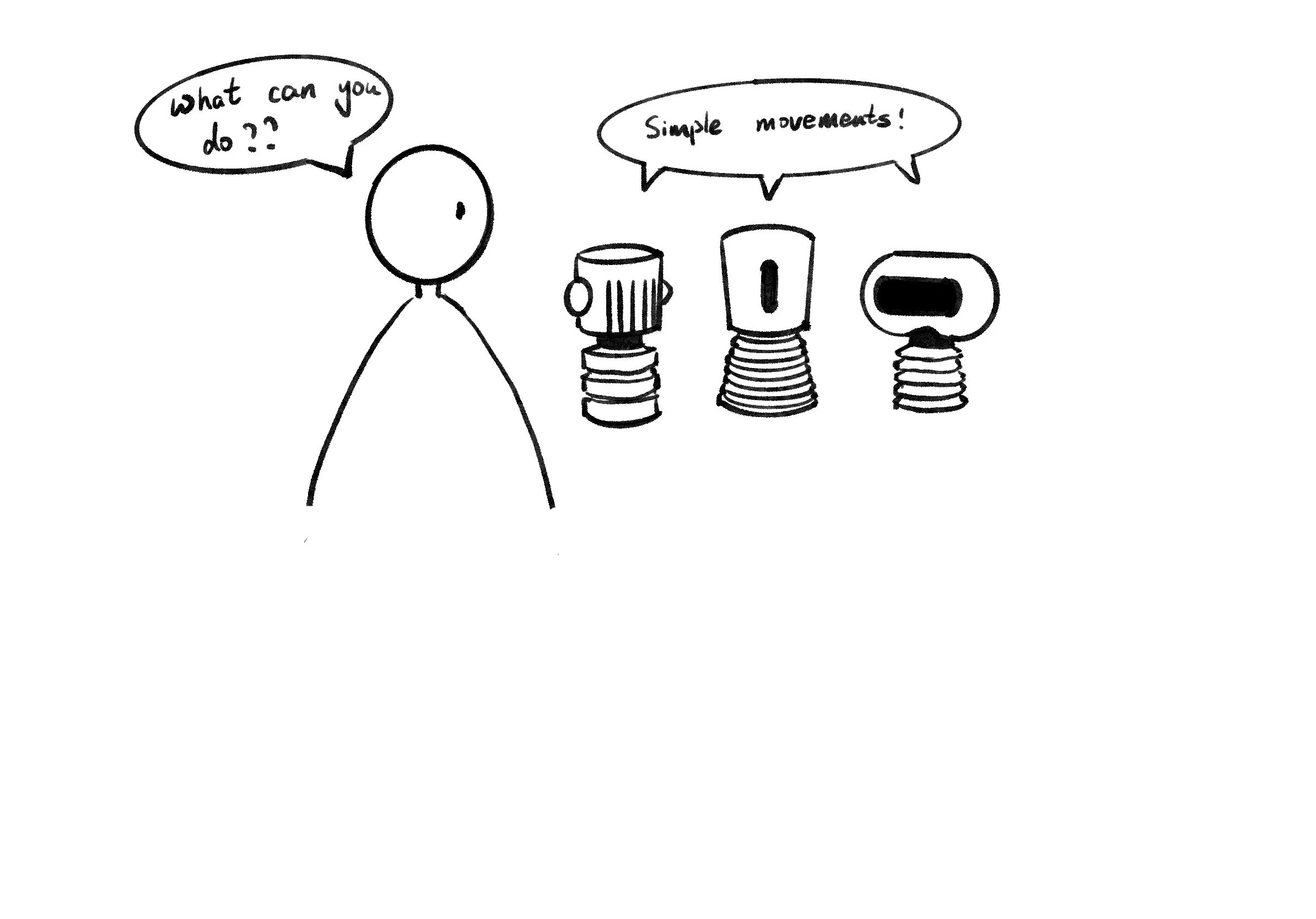
Rather than serving as efficient or informative devices, the robots operate on a different layer. Their purpose is not to communicate details, but to create presence and awareness. The movement does not say what needs to be done — it signals that something matters.
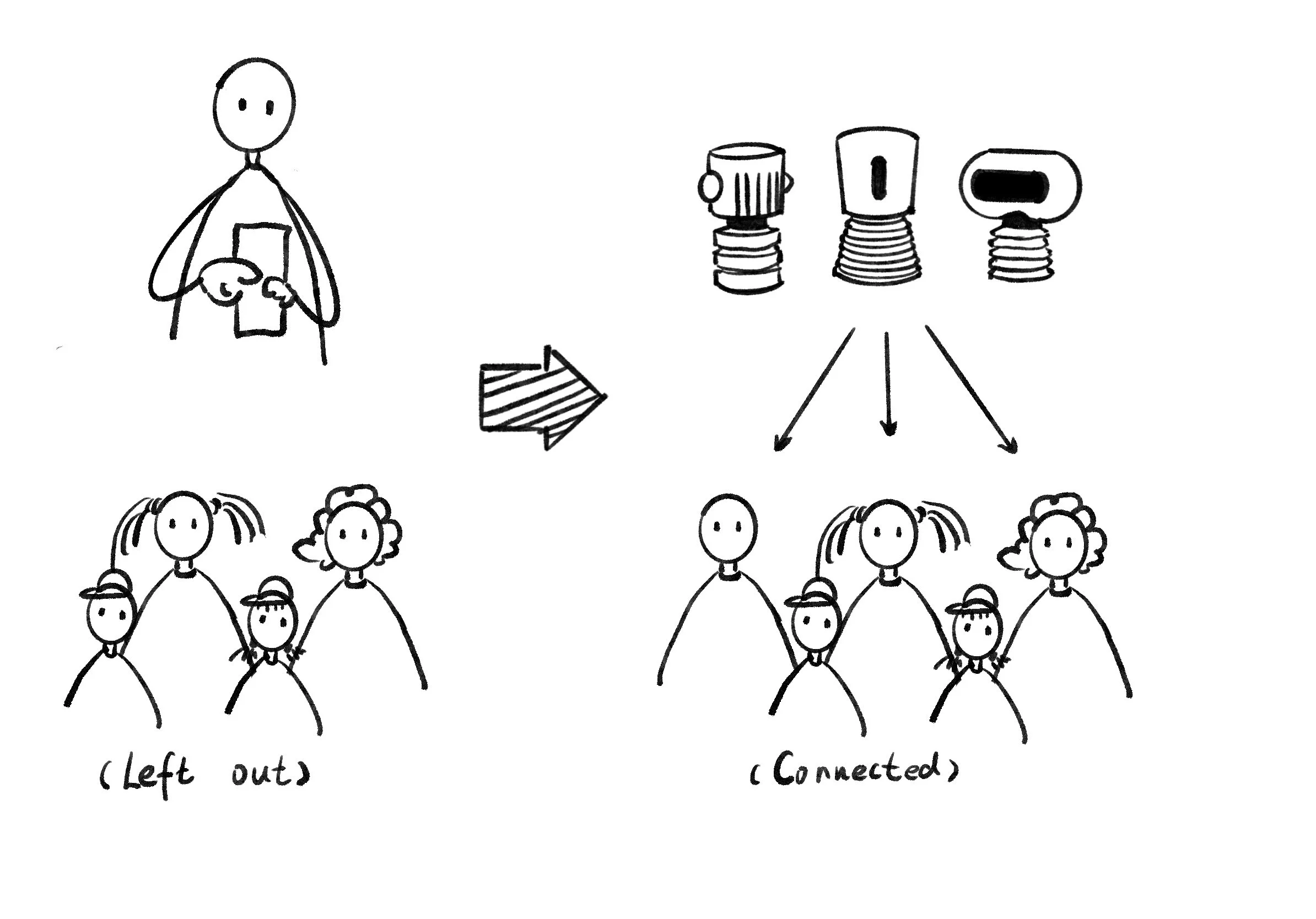
In this sense, the robots are not primarily functional products, but emotional and social ones. They introduce a shared moment into the household, prompting attention, conversation, and connection. What they lack in precision, they gain in warmth and meaning.
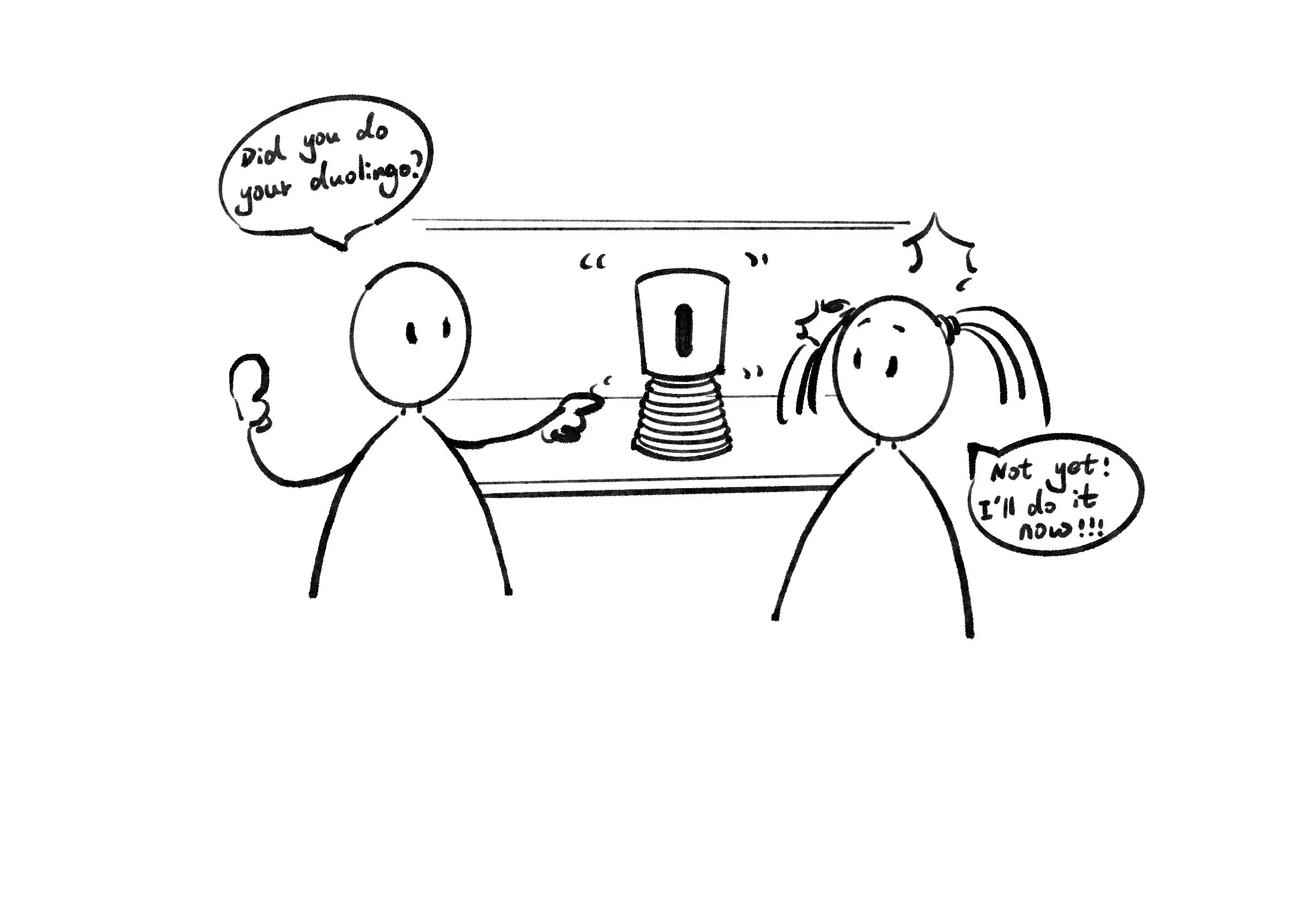
The value of these robots lies not in delivering information, but in transforming notifications into shared experiences.
Question 02: Who Sets Up Notifications, and How?
The next key question: Who is responsible for setting up the notifications, and through what interface?
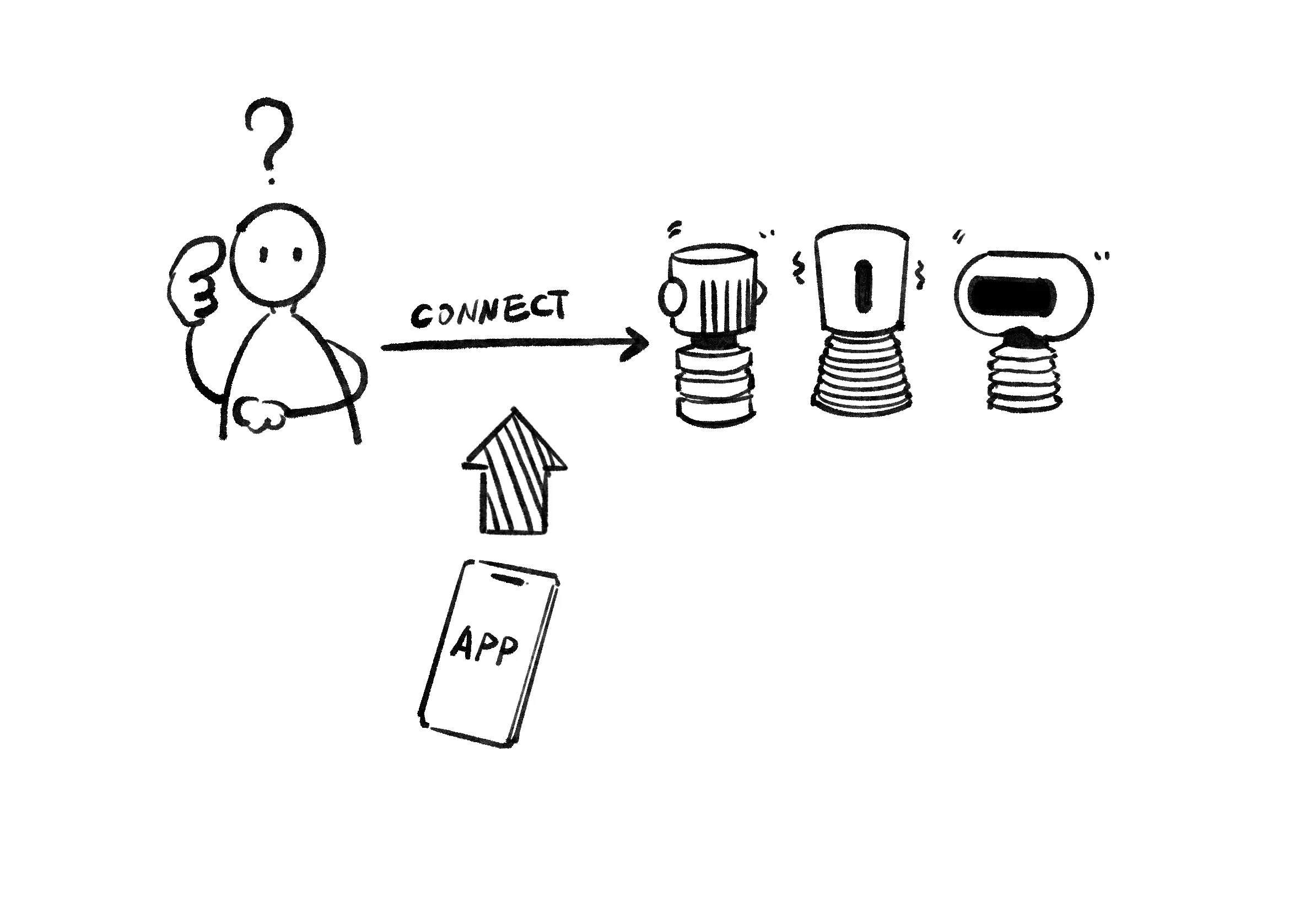
Since the robots can only perform simple movements and cannot explain what they are notifying about, they are clearly not capable of handling setup or configuration on their own. They can signal that “something is happening,” but not what that something is.
Because of this limitation, an external APP becomes necessary. The app acts as the place where notifications are created, managed, and given meaning. And those who installed the Botties APP are the ones to set up notifications.
Question 03: Can Multiple People Set Up Notifications?
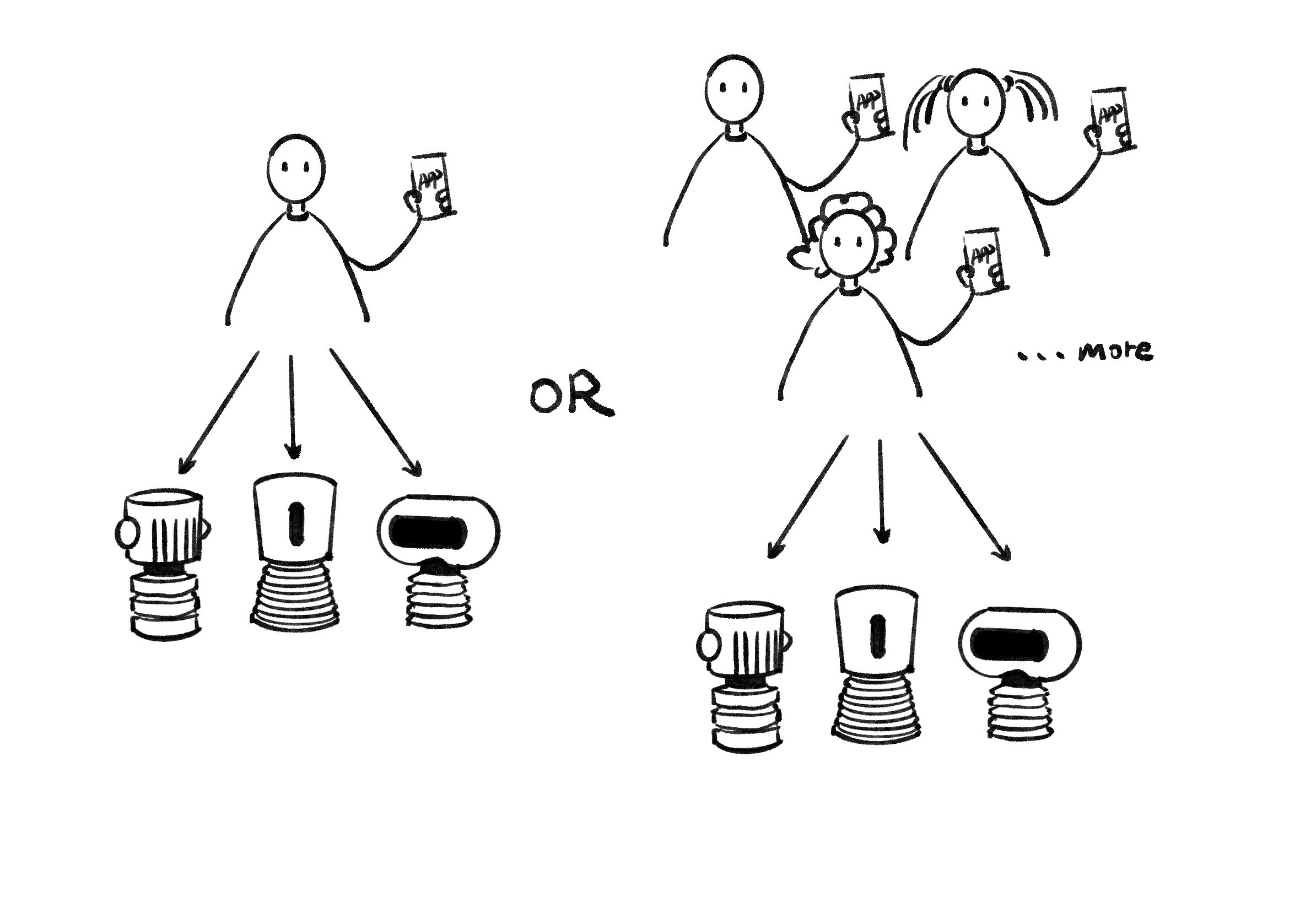
Thinking about families raised another important question: Should only one person be able to set up notifications, or multiple people?
A family is made up of at least two people, often more. Since this project aims to create a sense of connection and shared responsibility within the household, it felt important that more than one family member could set up notifications.
So my answer is “multiple people”. Allowing multiple users makes the system more inclusive and better reflects real family dynamics, rather than centering control around a single person.
Question 04: How Do People Know What the Robot Is Notifying About?
Next, I had to address a crucial usability question: When a robot moves on the shelf, how do people know what it means?
Everyone in the room can see that the robot is moving, but that movement alone doesn’t explain why. Without a voice or display, the robot cannot communicate details. In reality, most people don’t constantly track schedules or remember exact timings.
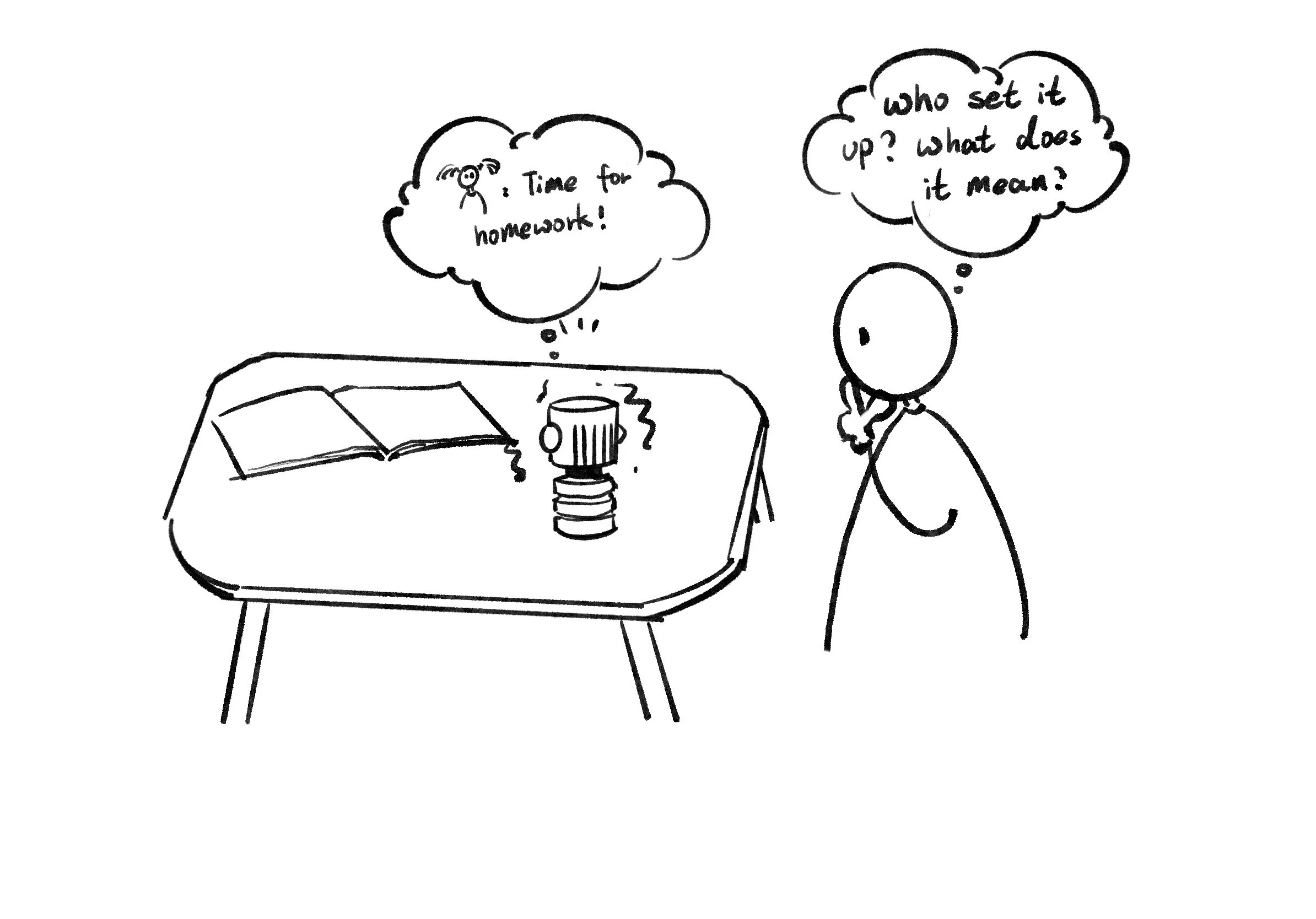
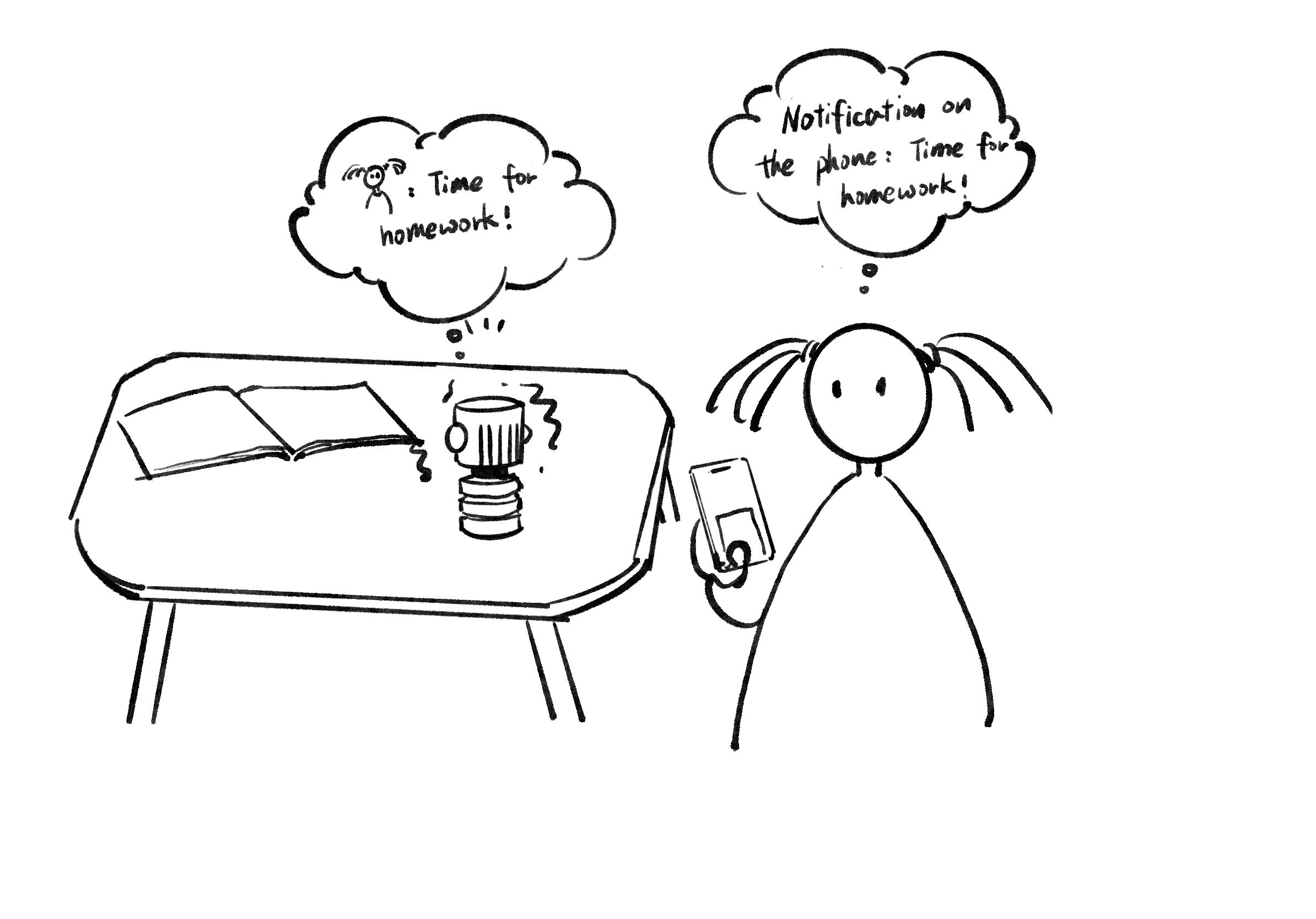
Because of this, the robot’s movement works best as a shared, ambient signal, while the app provides clarity. The app sends a notification to the person who set it up, explaining exactly what the reminder is about. This way, the robot creates awareness in the space, and the app delivers the necessary information.
Question 05: Can Multiple Robots Notify the Same Event With Different Meanings?
This question came up when I started thinking about how much meaning a single notification can carry.
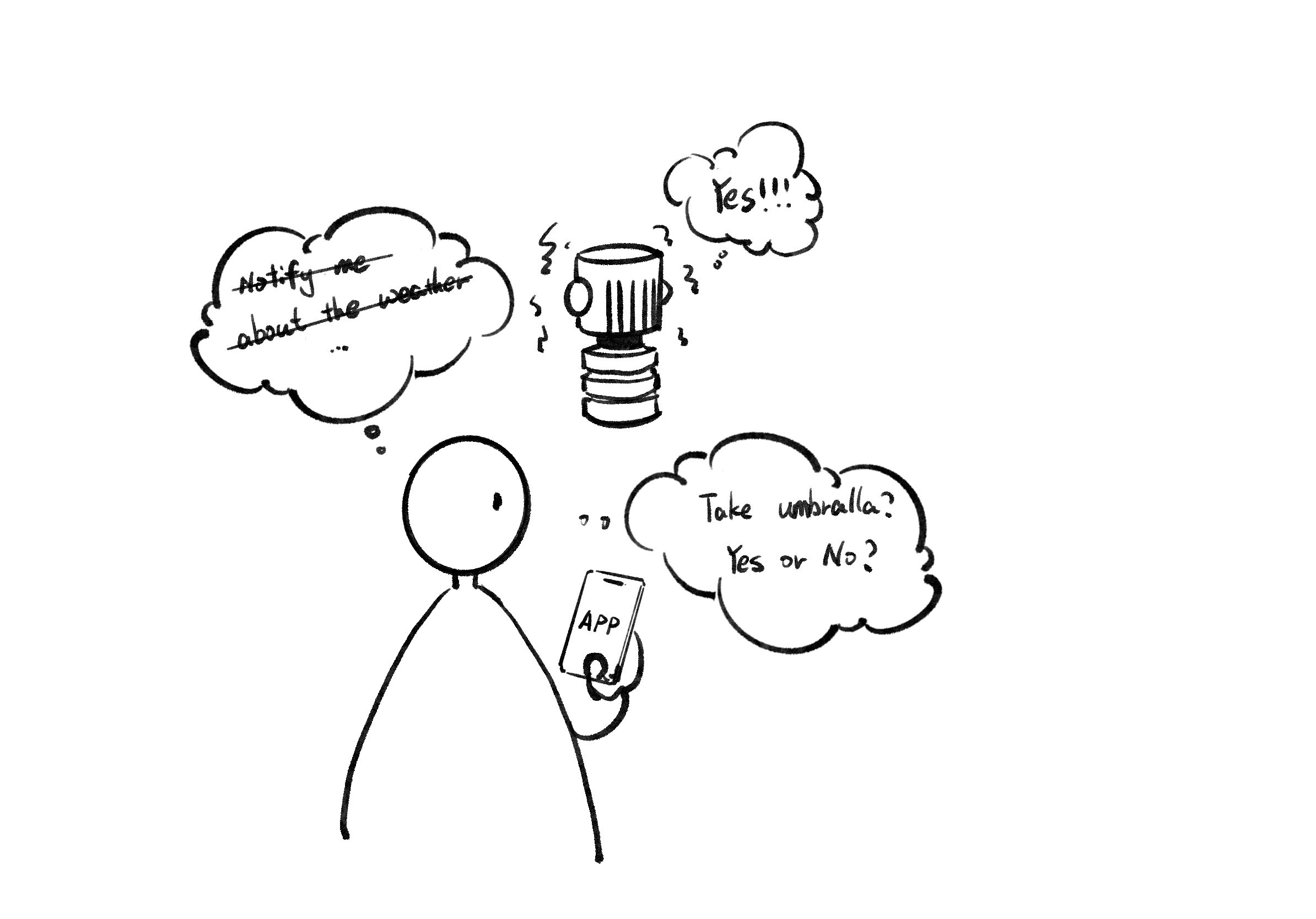
For example, if I want weather notifications, the information itself is not binary. Weather can be sunny, rainy, windy, or stormy. With multiple robots, it might seem possible to assign different robots to different meanings — one robot for rain, one for sunshine, one for storms.
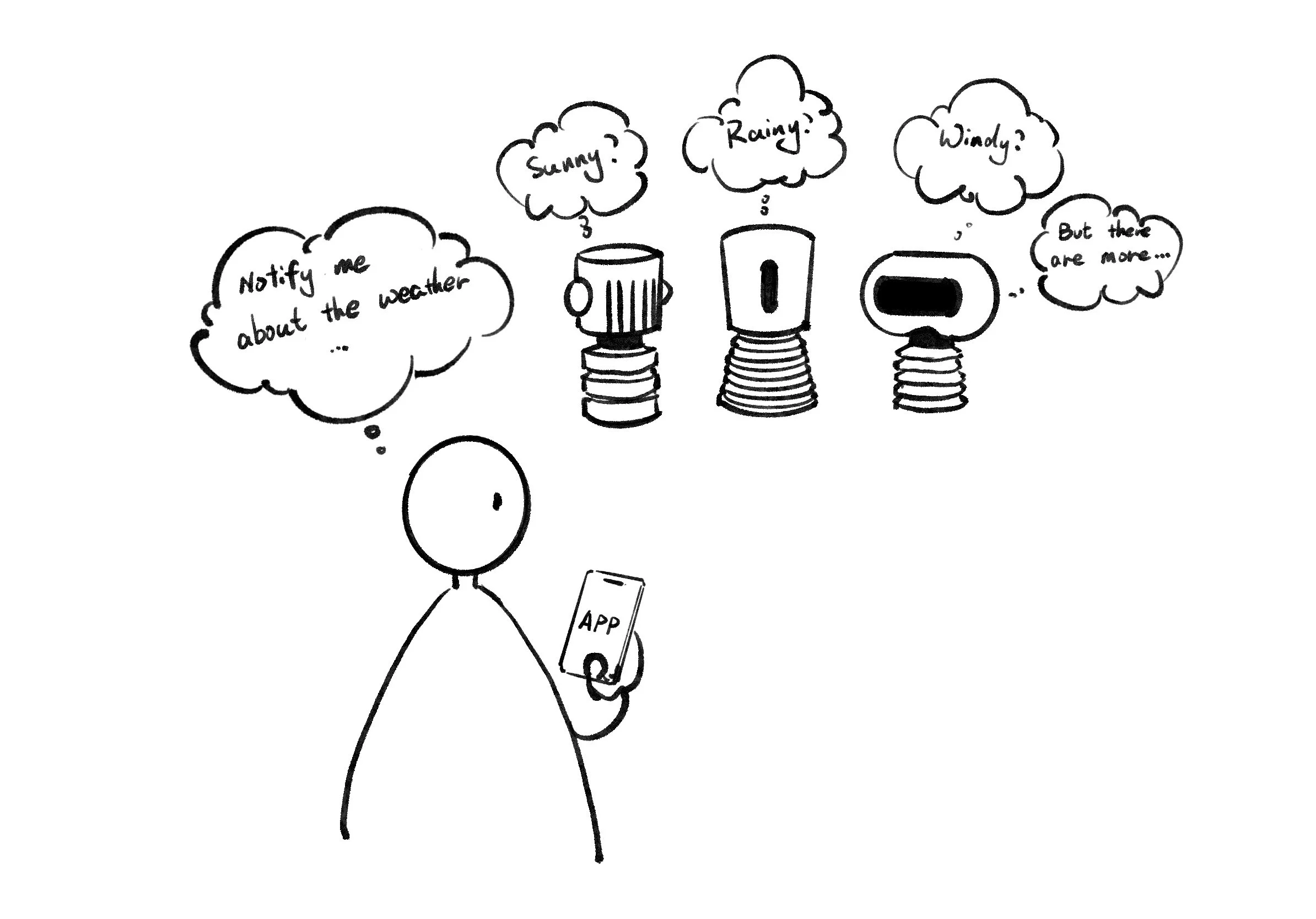
However, this immediately raises several challenges:
The robot set is limited in number. Since we only have three robots, how many notification types can realistically be communicated?
Assigning abstract meanings to physical objects requires learning and remembering. Family members would need to memorize what each robot represents.
Over time, meanings could become confusing, especially for guests, children, or less tech-savvy family members.
The robots are designed to be subtle and minimal, not symbolic systems that require interpretation.
This led to a critical design question:
Should the system allow multiple robots to notify the same event with different meanings, or should each event have one clear physical signal?
And my answer is “NO”.
Summarise of the requirement of the APP:
1. Allow users to create notifications
2. Support multiple users
3. Send personal clarification